
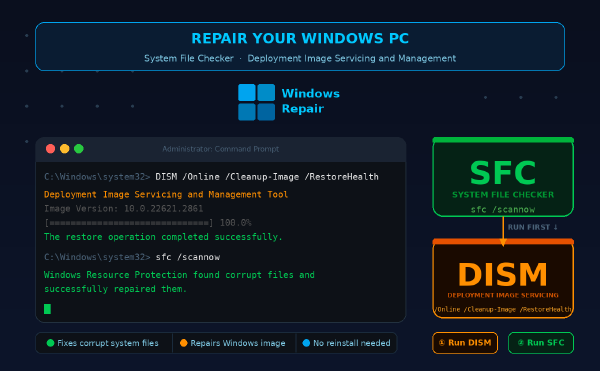
How to repair Windows system files with SFC and DISM
·686 words·4 mins
What you’ll need # Windows 10 (build 1809 or later) or Windows 11 Administrator account access Active internet connection for DISM repair source Basic understanding of PowerShell or Command Prompt 10-30 minutes depending on system state Overview # This guide walks you through repairing corrupted Windows system files using System File Checker (SFC) and Deployment Image Servicing and Management (DISM). You’ll fix files causing crashes, boot failures, or missing DLLs without reinstalling Windows.