
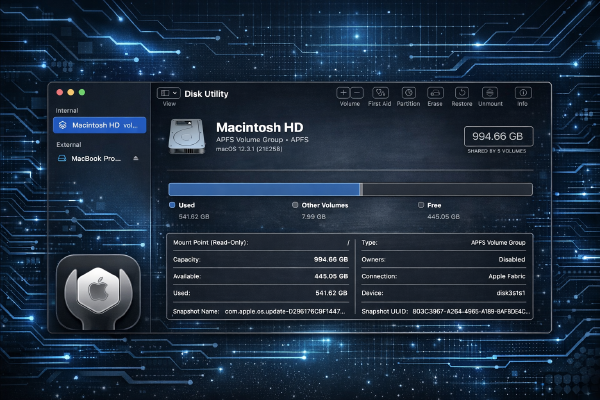
How to use Disk Utility on macOS to repair, partition, and erase drives
·776 words·4 mins
What you’ll need # macOS Sonoma 14.3 or later (tested on macOS Sonoma 14.3) Administrator privileges on your Mac External drive or secondary internal volume for testing (backup all data first) Basic understanding of file systems (APFS, HFS+, exFAT) Terminal access for command-line operations Overview # This tutorial covers using Disk Utility and the diskutil command-line tool to repair disk errors, create partitions, and securely erase drives. You’ll learn both GUI and terminal methods for managing storage on macOS.